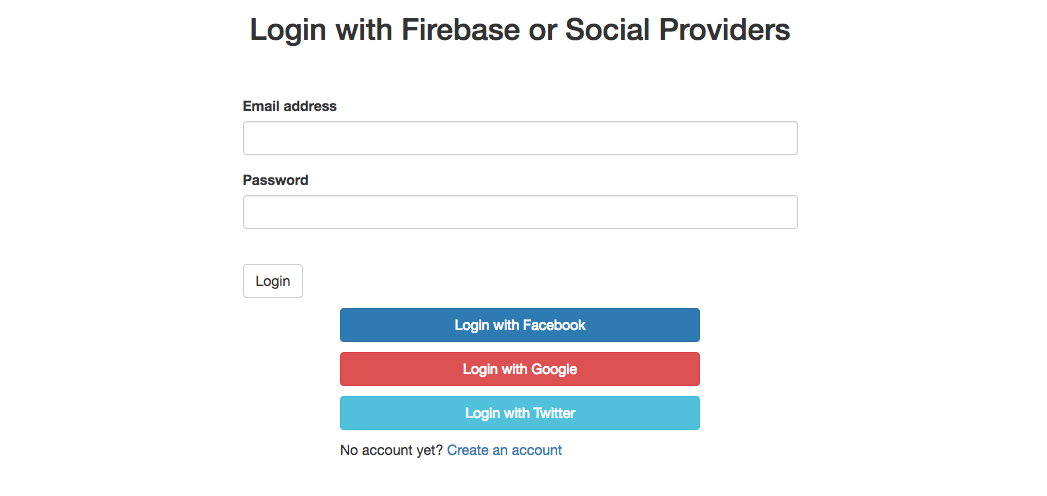
This project is part of an Angular tutorial where we explore how to setup a simple email/password as well as social login authentication workflows for Angular apps using the awesome AngularFire library.
-
Run
npm installto install all the required dependencies -
go to your project on https://console.firebase.google.com retrieve your credentials informations in format:
apiKey: "YOUR_CREDENTIALS_HERE", authDomain: "YOUR_CREDENTIALS_HERE", databaseURL: "YOUR_CREDENTIALS_HERE", projectId: "YOUR_CREDENTIALS_HERE", storageBucket: "YOUR_CREDENTIALS_HERE", messagingSenderId: "YOUR_CREDENTIALS_HERE" -
Then run
ng serveto start a dev server. -
Navigate to
http://localhost:4200/. The app will automatically reload if you change any of the source files.