Repository navigation
Screenshots
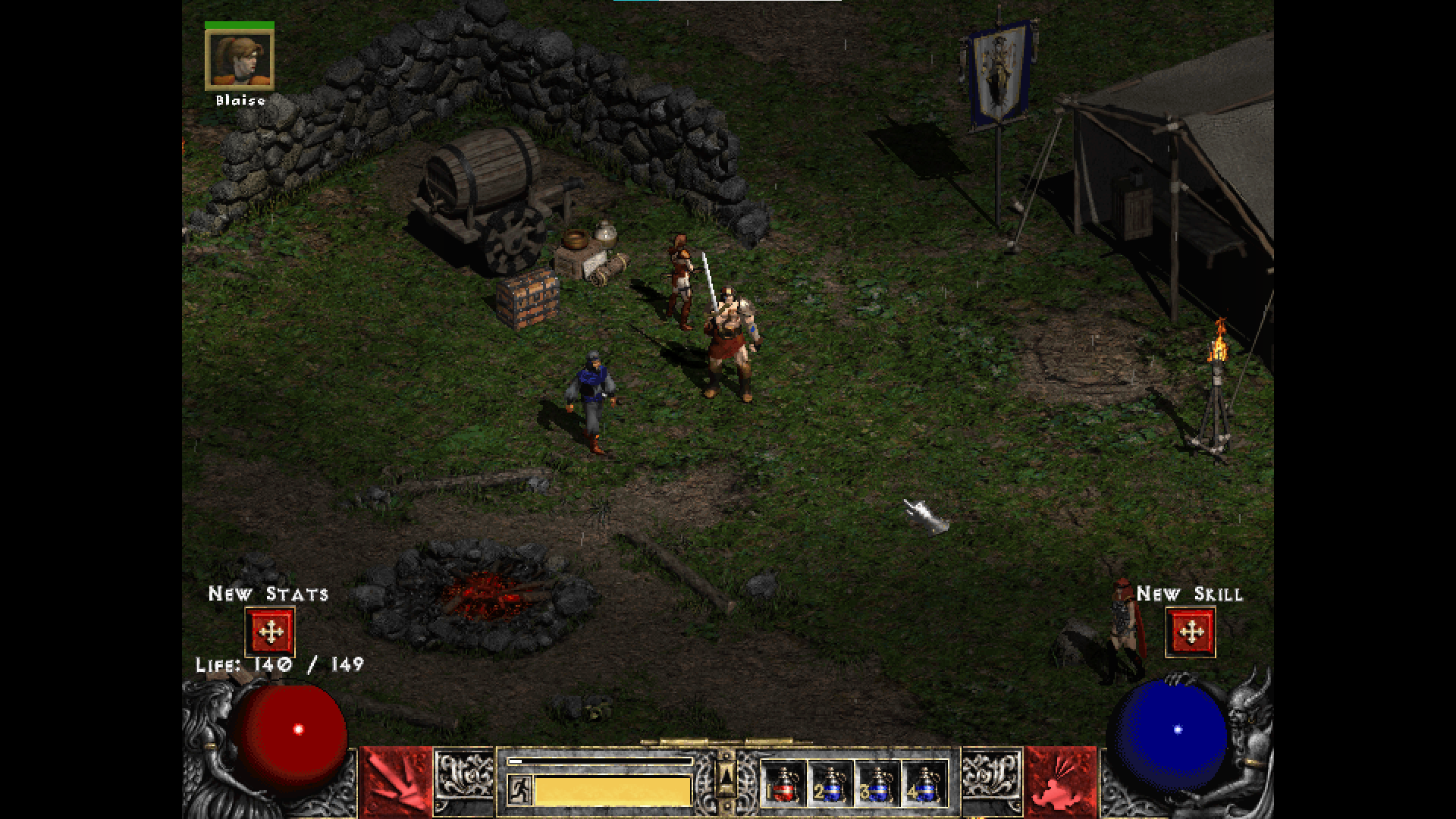
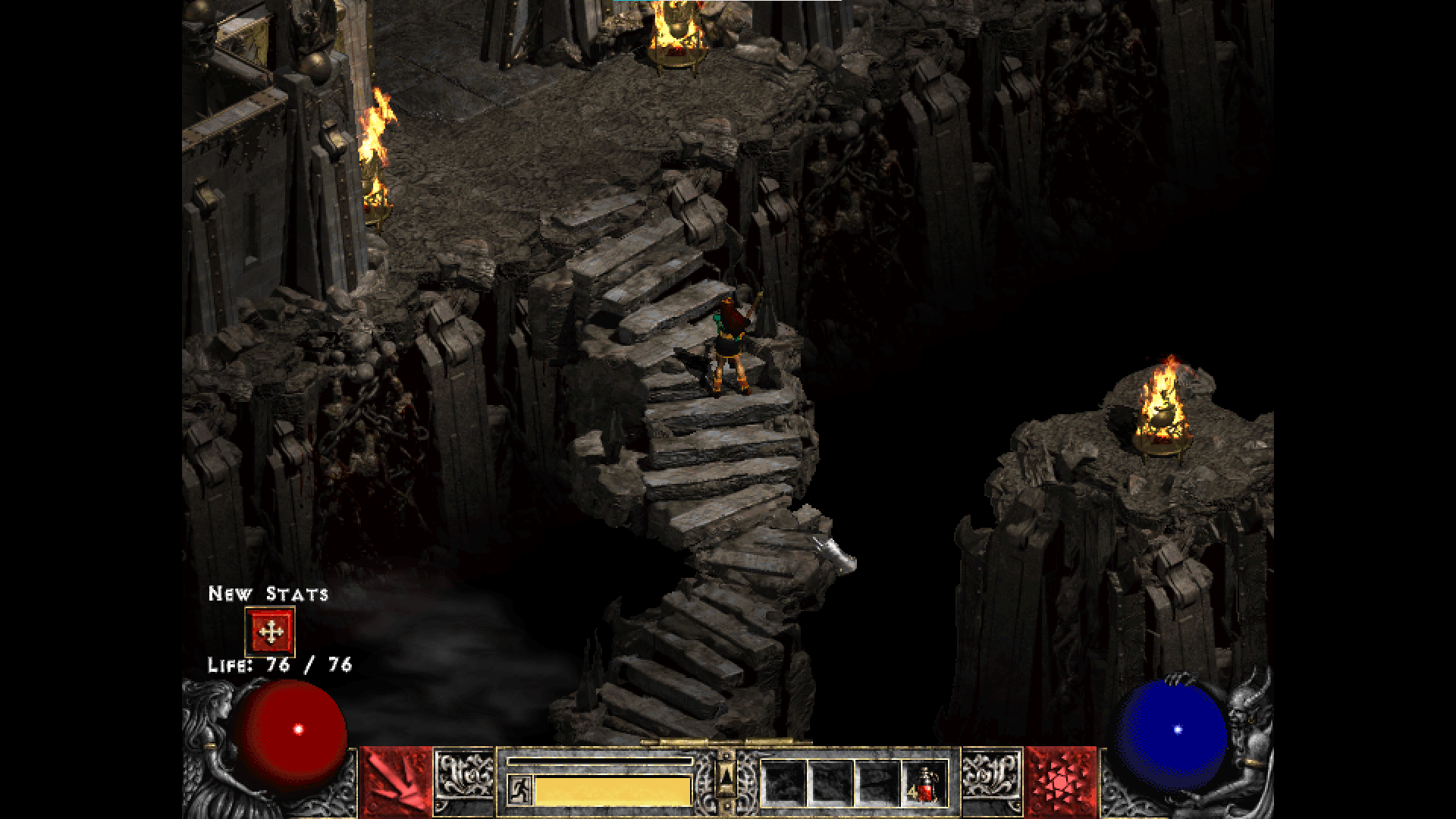
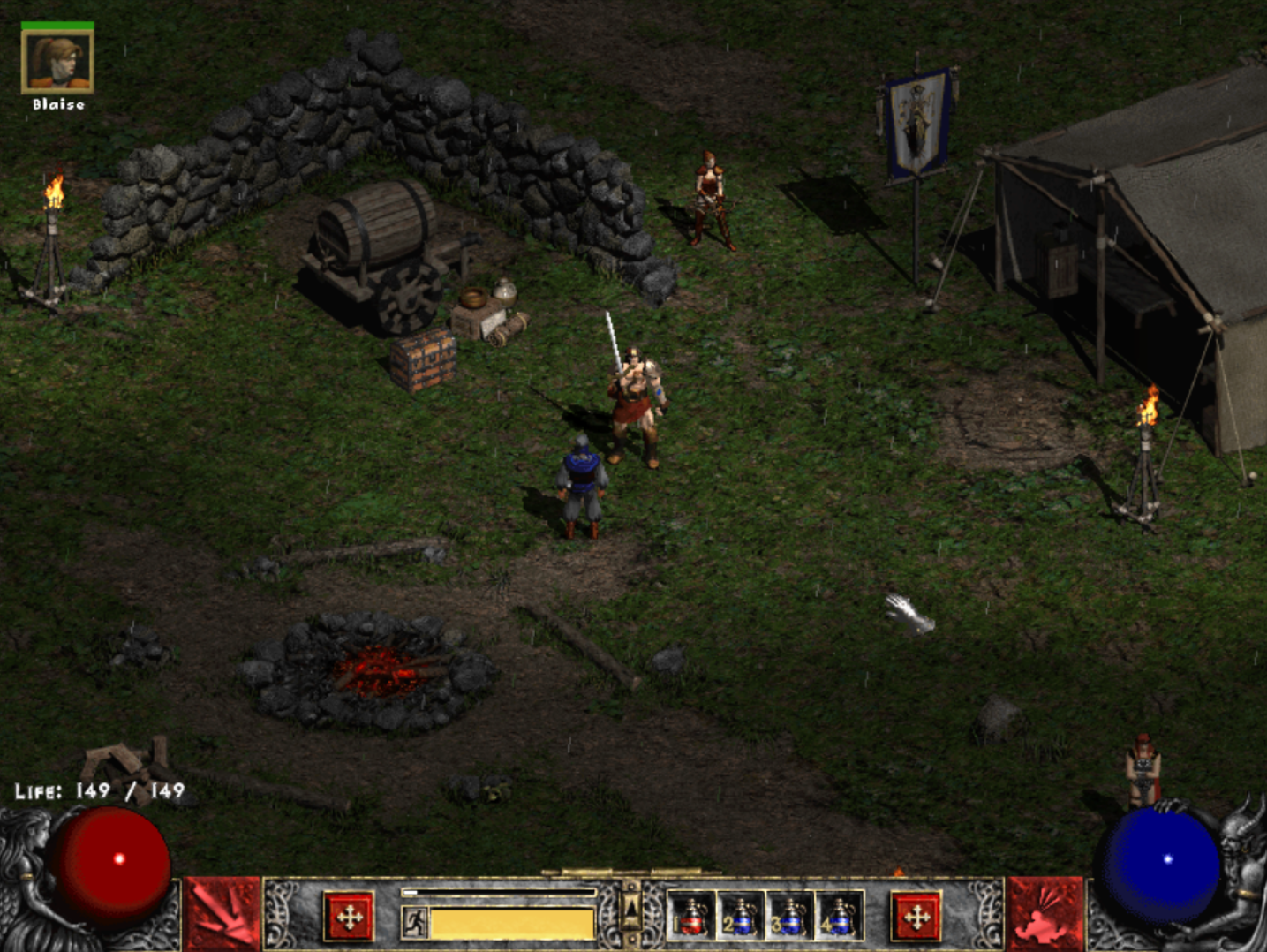
By default, D2DX applies FXAA to problematic edges (like sprites, walls and shadows). The goal is to get edges of objects to look similar to the "interior" AA present in the artwork.


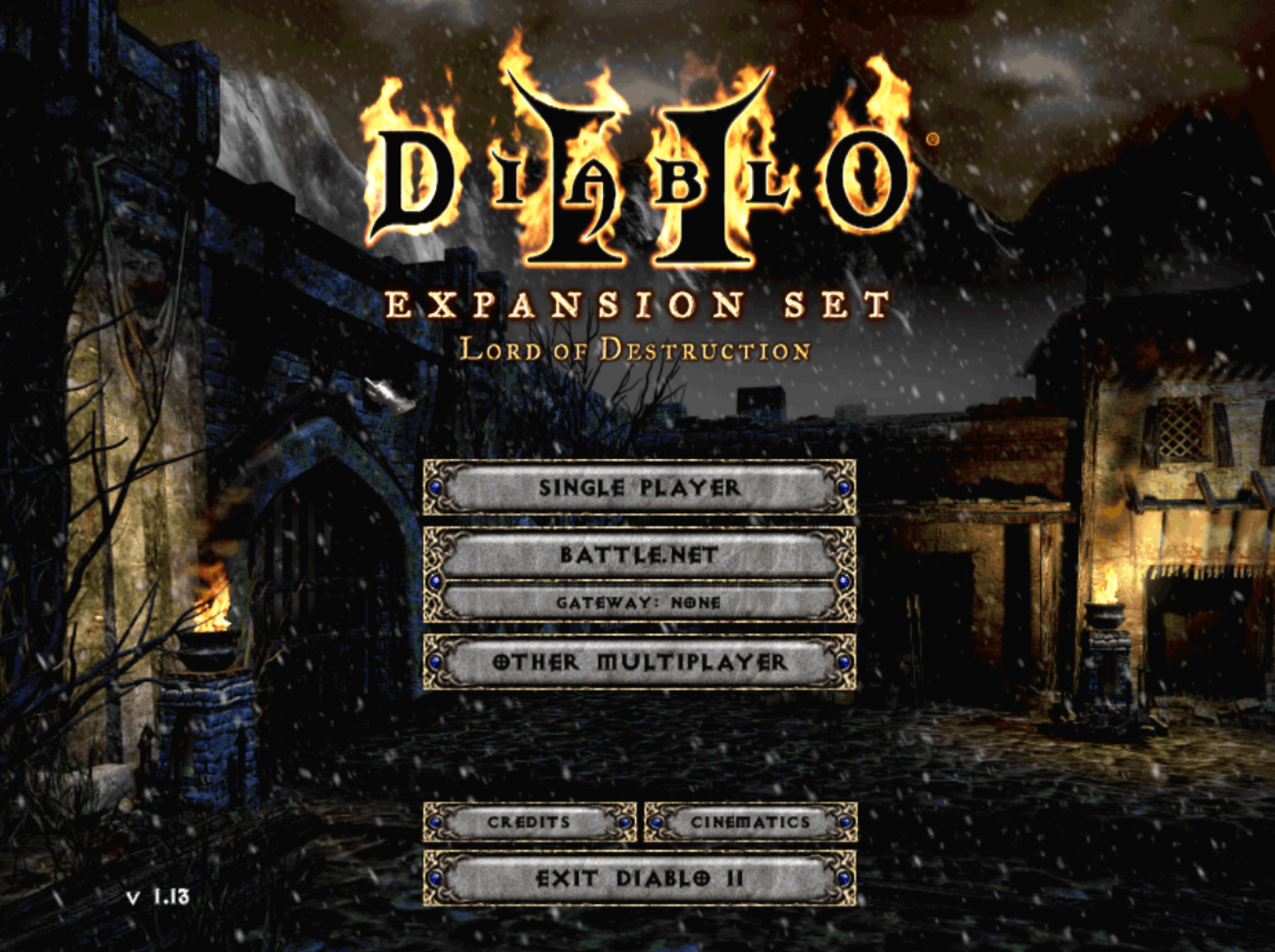
The following screenshots were taken with Diablo II LoD 1.13d.
To accurately compare the image quality, make sure to view the screenshots on at least a 1920x1080 display.
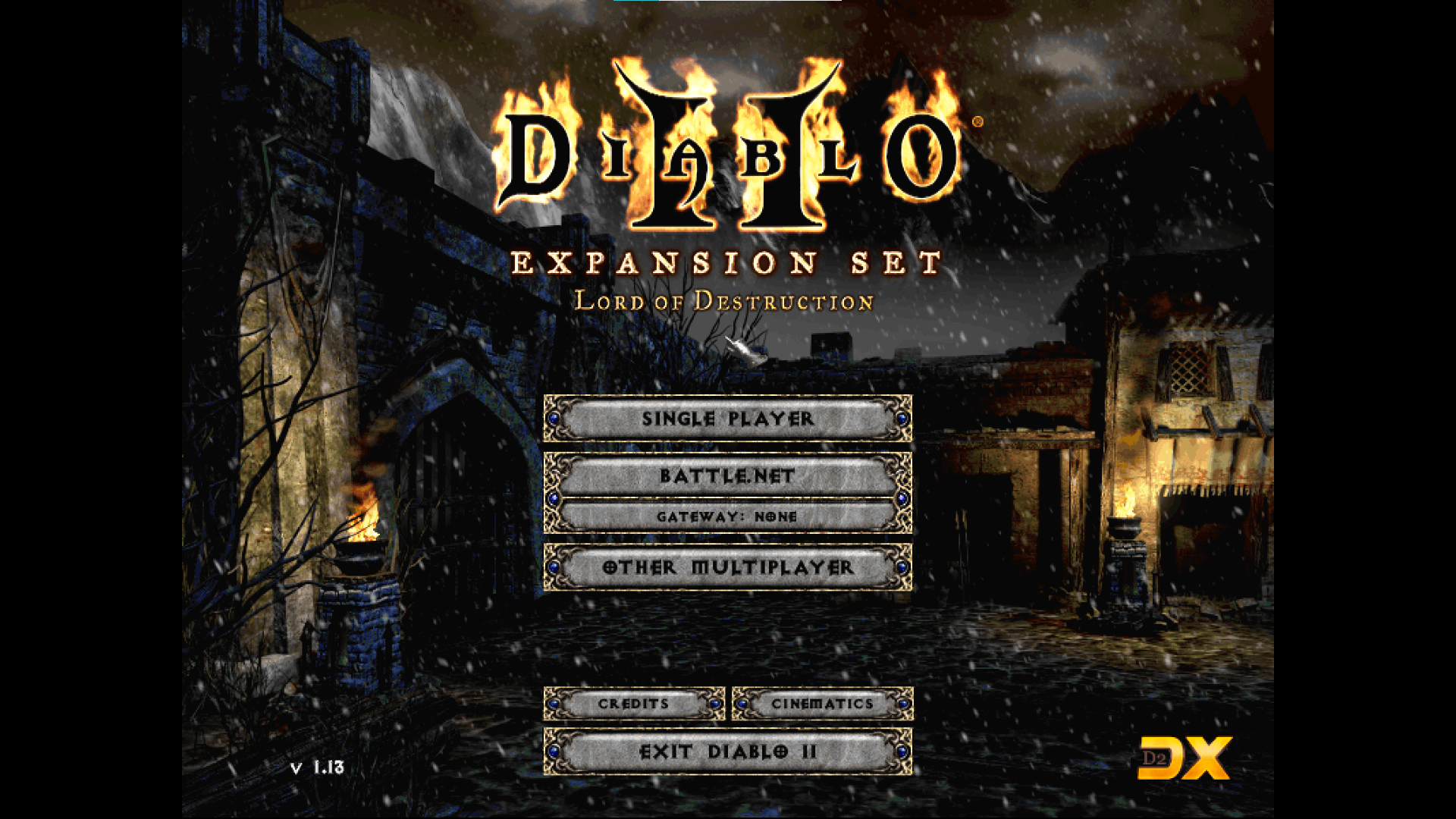
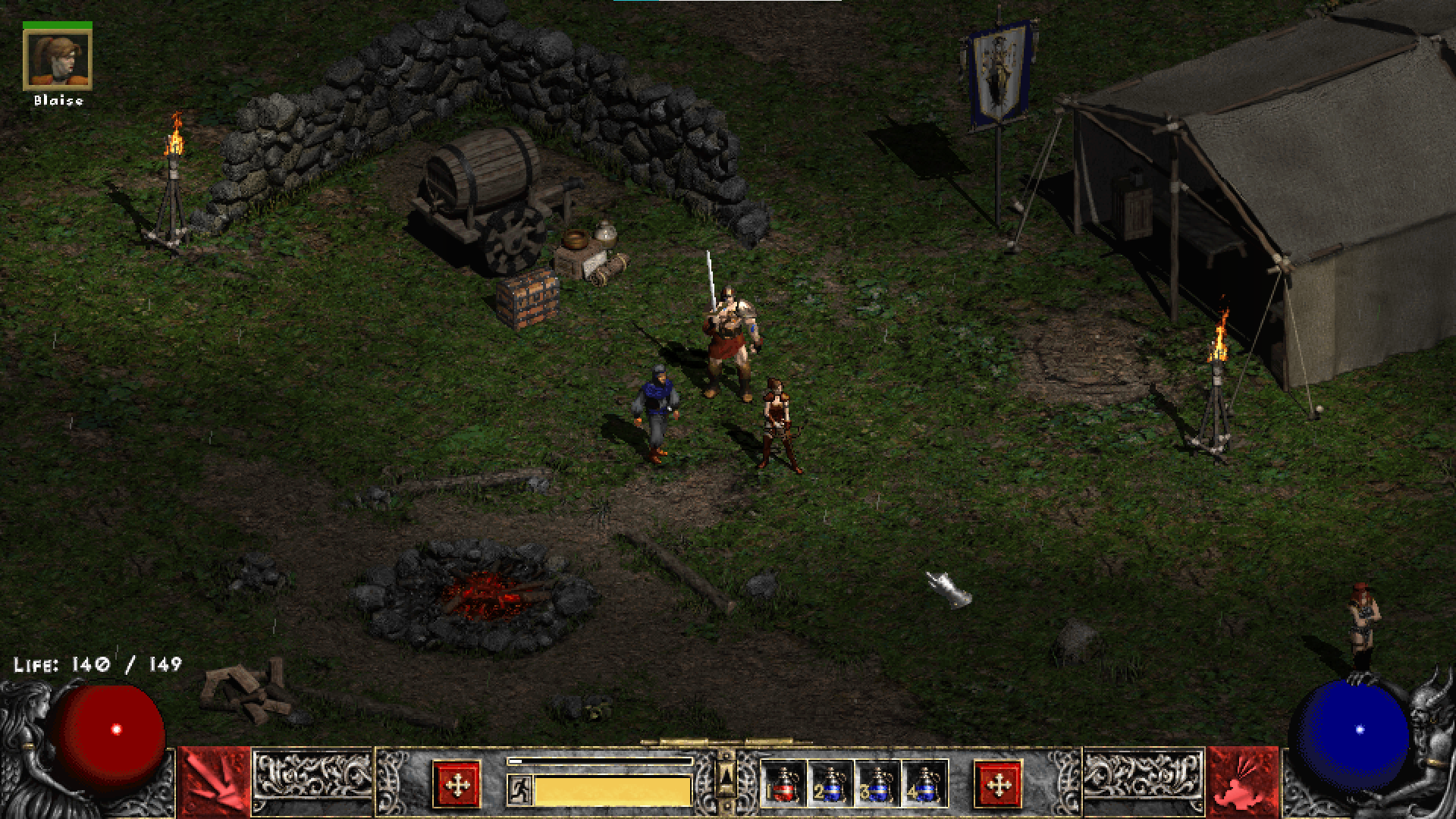
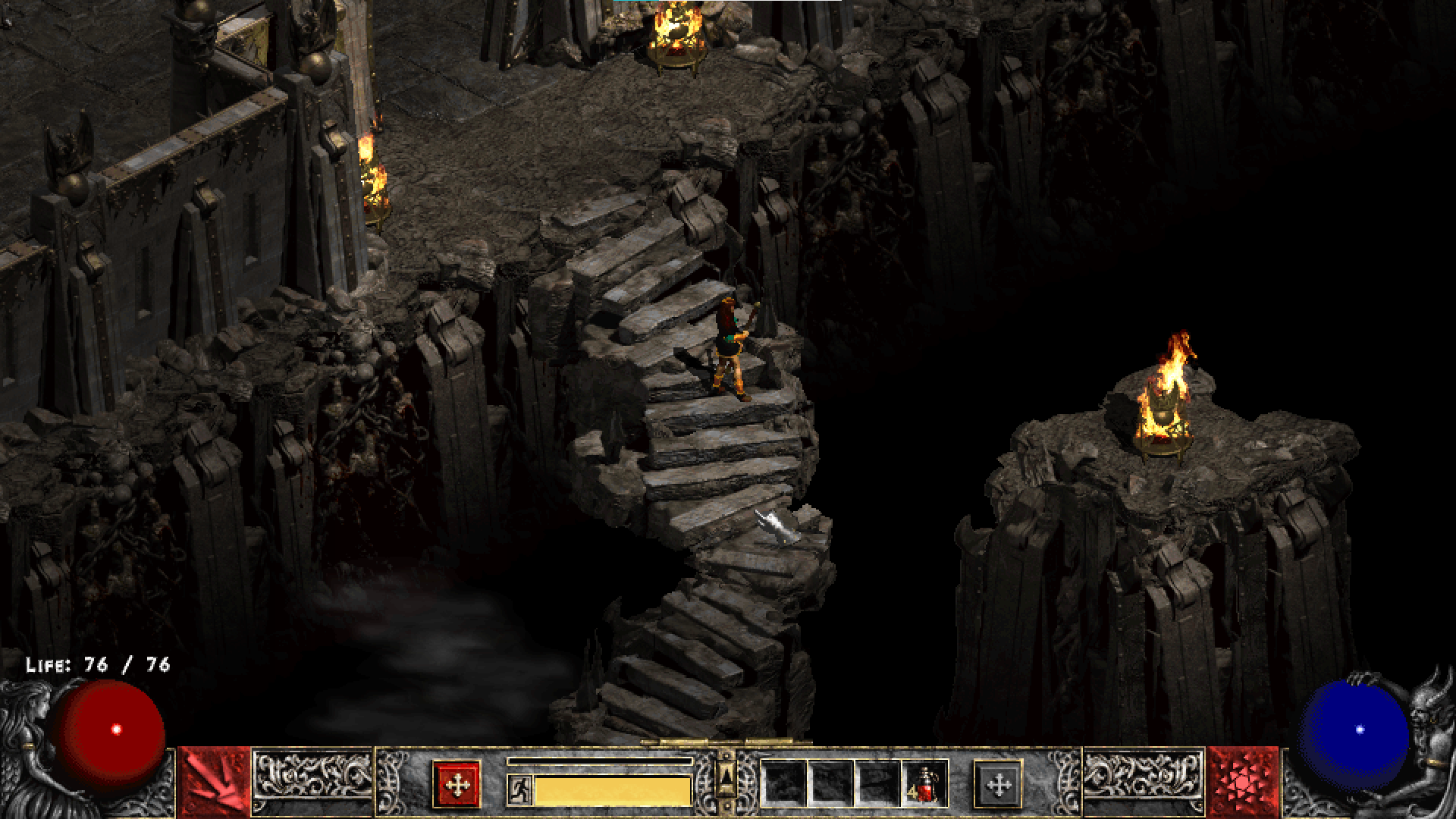
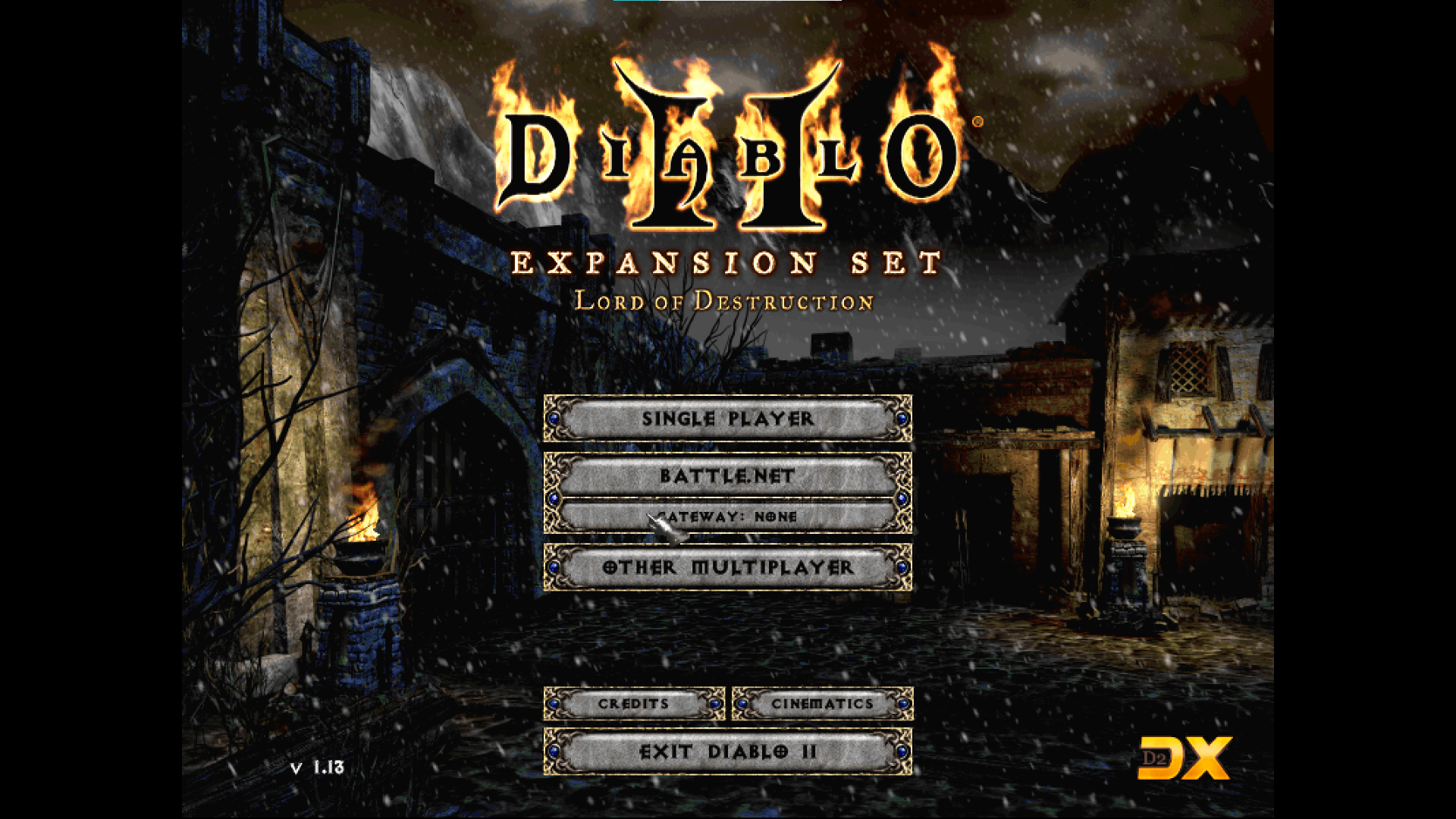
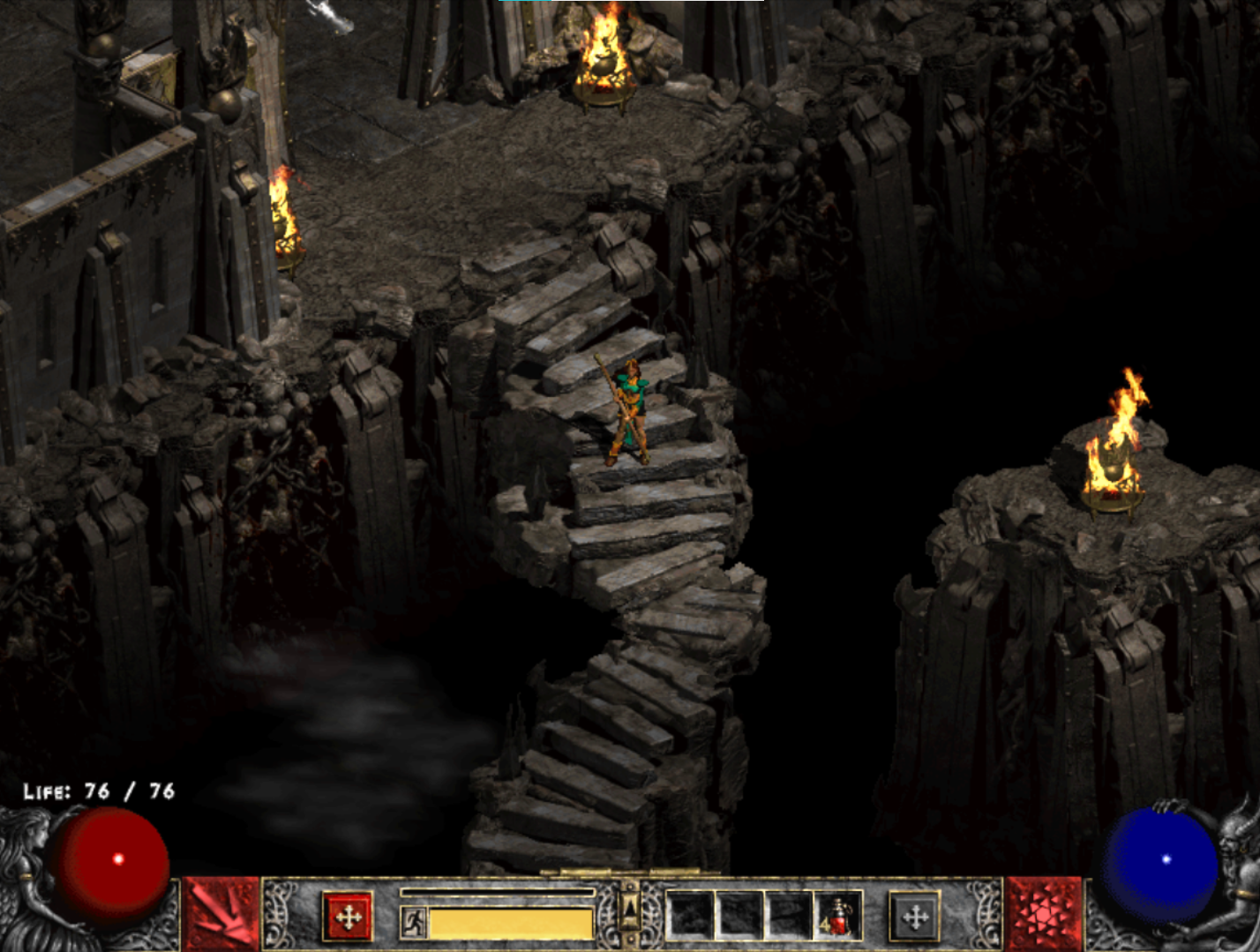
Note: I was unable to get the Windows 10 screenshot tool to work in fullscreen unless checking "desktopresolution", which softens the image more than if it was not selected.