Repository navigation
Growth Channel Separation
MoMA in general processes all growth channels of the taken images independently. Therefore, it is neccessary to split the raw sequence of images into a series of image stacks, each containing all available time points and color channels for one of the growth channels.

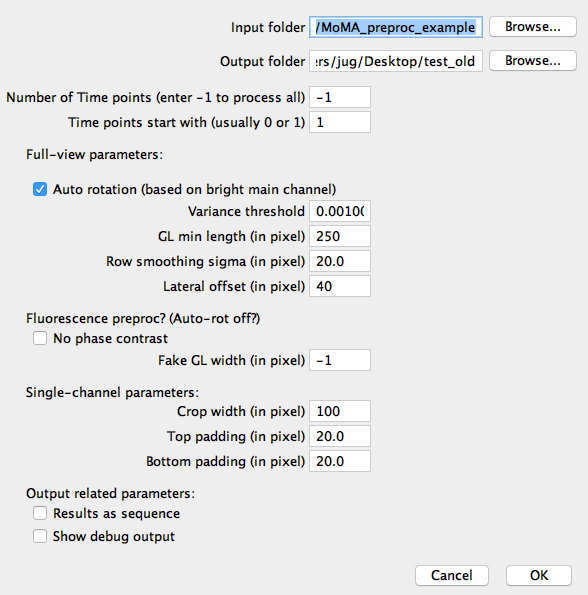
To run the growth channel separation in Fiji, just click the Plugins > Moma > Components > MoMA PreProcessing menu entry. A dialog will appear, where you need to select input and output folder. It is recommended to use MoMAs default folder structure: navigate to your raw image data folder and select the "1_registered" folder as input and "2_split" folder as output directory. Create the output folder if it doesn't exist already. Furthermore, you need to enter the number of time points and channels. Additionally, enter the starting number for time points and channels. For example, if the alphabetically first file in your input folder ends with "_t0000_c0001.tif", the the time points start with 0.