





This is the rhino-9.x branch of mcneel/Eto, our fork of picoe/Eto.
Rhino 9 builds this branch, where Eto sits inside the Rhino source tree as the submodule
src4/DotNetSDK/Eto.
Fixes go upstream first. Even when you found the bug in Rhino, make the change against
picoe/Eto's develop branch and let it come back to us through a merge. That keeps this fork a
fast-forwardable copy of upstream, so nothing has to be re-applied every time we merge. The full
trip is:
branch off
upstream/develop→ pull request topicoe/Eto→ mergedevelopintorhino-9.x→ bump the submodule pointer in the Rhino repo → pull request tomcneel/rhino9.x
Steps 1–4 run inside src4/DotNetSDK/Eto in your Rhino checkout. The examples use the
gh CLI, but every gh step can be done on github.com instead.
The submodule's origin is already mcneel/Eto. Add upstream alongside it:
cd src4/DotNetSDK/Eto
git remote add upstream https://github.com/picoe/Eto.git
git fetch upstreamgit fetch upstream
git checkout -b <firstname>/<short-topic> upstream/developBranch off upstream/develop, not rhino-9.x — otherwise your pull request drags along every
McNeel-only commit that upstream hasn't taken yet. Name the branch after yourself and the change,
matching what's already there: curtis/mac-numericstepper-culture,
callum/filter-collection-add-range.
Two things to expect while you work on this branch:
- The submodule now points at
develop, so the surrounding Rhino tree may not build against it. That's normal, and step 4 puts you back onrhino-9.x. - The Rhino repo shows
src4/DotNetSDK/Etoas modified ingit status. Leave it alone — don't commit that pointer change on the Rhino side yet (step 5 explains why).
git commit -am "Mac: Make NumericStepper format properly to invariant"
git push -u origin <firstname>/<short-topic>
Push to origin — the branch lives on mcneel/Eto, so anyone on the team can pick it up, and it
doesn't depend on a personal fork.
gh pr create --repo picoe/Eto --base develop --head mcneel:<firstname>/<short-topic> --fillThe base branch is develop, which is upstream's mainline. (Without write access to
mcneel/Eto, push to your own fork of Eto instead and use
--head <github-user>:<firstname>/<short-topic>.)
Now wait for it to be reviewed and merged upstream — the remaining steps need the commit to exist
in picoe/Eto.
Once it's merged upstream, bring develop into this branch:
git checkout rhino-9.x
git pull --ff-only
git fetch upstream
git merge upstream/develop
git push origin rhino-9.x
If the pull won't fast-forward, your local rhino-9.x has commits that aren't on origin — sort
that out before merging, since this branch should be exactly what's on mcneel/Eto.
The merge produces the usual Merge remote-tracking branch 'upstream/develop' into rhino-9.x
commit. Push it straight to origin — we don't use pull requests on mcneel/Eto itself. If the
merge conflicts, it's because a McNeel-only change touched the same code; resolve it in the merge
commit, and don't rewrite upstream's history.
Your topic branch has served its purpose now and can be deleted, locally and on mcneel/Eto.
This part works like any other Rhino submodule: a commit that moves the pointer, on its own branch,
in a pull request. Do it only now that the Eto commit is reachable from origin/rhino-9.x — a
pointer to a commit that only exists on a topic branch looks fine on your machine and breaks the
build for everyone else, and for CI.
cd $(git rev-parse --show-superproject-working-tree)   # back to the Rhino root
git checkout 9.x && git pull
git checkout -b <firstname>/<short-topic>
git add src4/DotNetSDK/Eto
git commit          # subject = what the change does; body = "Fixes RH-xxxxx"
git push -u origin <firstname>/<short-topic>
gh pr create --base 9.x --fill
A few conventions for that commit:
- The subject describes the behaviour that changed, not the mechanics —
Mac: Make NumericStepper format properly to invariant, not "update Eto submodule". - Cite the YouTrack issue in the body:
Fixes RH-96796, orCite RH-89276when the change is related to an issue but doesn't close it. - Several Eto changes can ride along in one bump. Use the subject
Eto updatesand give each change its own bullet in the body, with its own RH reference. - Any Rhino-side code the change needs (say a new style in
RhinoWindows/Runtime/EtoStyles.cs) belongs in the same commit, so the new Eto version and its first use land together.
This framework can be used to build applications that run across multiple platforms using their native toolkit, with an easy to use API. This will make your applications look and work as a native application on all platforms, using a single UI codebase.
For advanced scenarios, you can take advantage of each platform's capabilities by wrapping your common UI in a larger application, or even create your own high-level controls with a custom implementations per platform.
This framework currently supports creating Desktop applications that work across Windows Forms, WPF, MonoMac, and GTK#. There is a Mobile/iOS port in the works, but is considered incomplete.
This framework was built so that using it in .NET is natural. For example, a simple hello-world application might look like:
using Eto.Forms;
using Eto.Drawing;

public class MyForm : Form
{
	public MyForm ()
	{
		Title = "My Cross-Platform App";
		ClientSize = new Size(200, 200);
		Content = new Label { Text = "Hello World!" };
	}

	[STAThread]
	static void Main()
	{
		new Application().Run(new MyForm());
	}
}
or in a F# script:
#load ".paket/load/eto.platform.windows.fsx"
// see https://fsprojects.github.io/Paket/paket-generate-load-scripts.html

open Eto.Drawing
open Eto.Forms

type MyForm() as this =
    inherit Form()
    do
        this.Title      <- "My Cross-Platform App"
        this.ClientSize <- Size (200, 200)
        this.Content    <- new Label(Text = "Hello F# World!")

Eto.Platform.Initialize(Eto.Platforms.WinForms)
let app = new Application()
let form = new MyForm()
form.Show()To begin creating apps using Eto.Forms, follow the Quick Start Guide.
To compile or contribute to Eto.Forms, read the Contributing Guide.
Windows via WPF:

Mac via MonoMac:

Linux via GTK#3:

- MonoGame Pipeline Tool - Content manager for MonoGame
- Manager - Accounting Software
- PabloDraw - Character based drawing application
- Notedown - Note taking application
- Eto.Test - Application to test the functionality of each widget
- DWSIM - Chemical Process Simulator
- Termission - Cross-platform Serial/TCP Terminal with Scriptable Auto-Response
- Visual SEO Studio - Technical SEO Auditing Tool
- RegexFileSearcher - Cross-platform regex file searching tool in .NET 5
- RegexTestBench - Cross-platform regex testing tool in .NET 5
- GEDKeeper (v3) - Cross-platform application for working with personal genealogical databases
- Rhinoceros 3D - 3D computer graphics and computer-aided design (CAD) application
| Pure Eto.Forms | SkiaSharp edition | |||
|---|---|---|---|---|
| ScottPlot |  |
Plotting library that makes it easy to interactively display large datasets. | 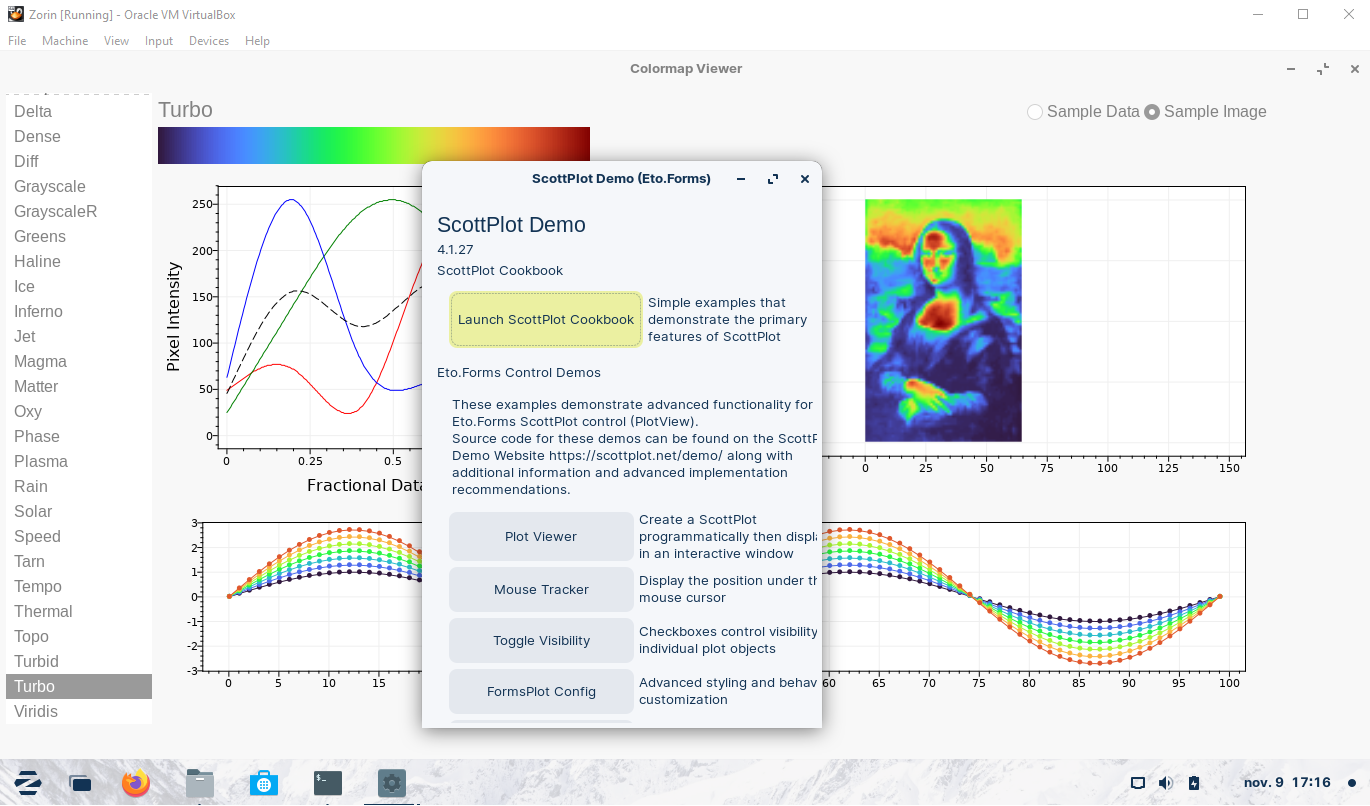  |
|
| LiveCharts |  |
Simple, flexible, powerful and open source data visualization for .Net. |   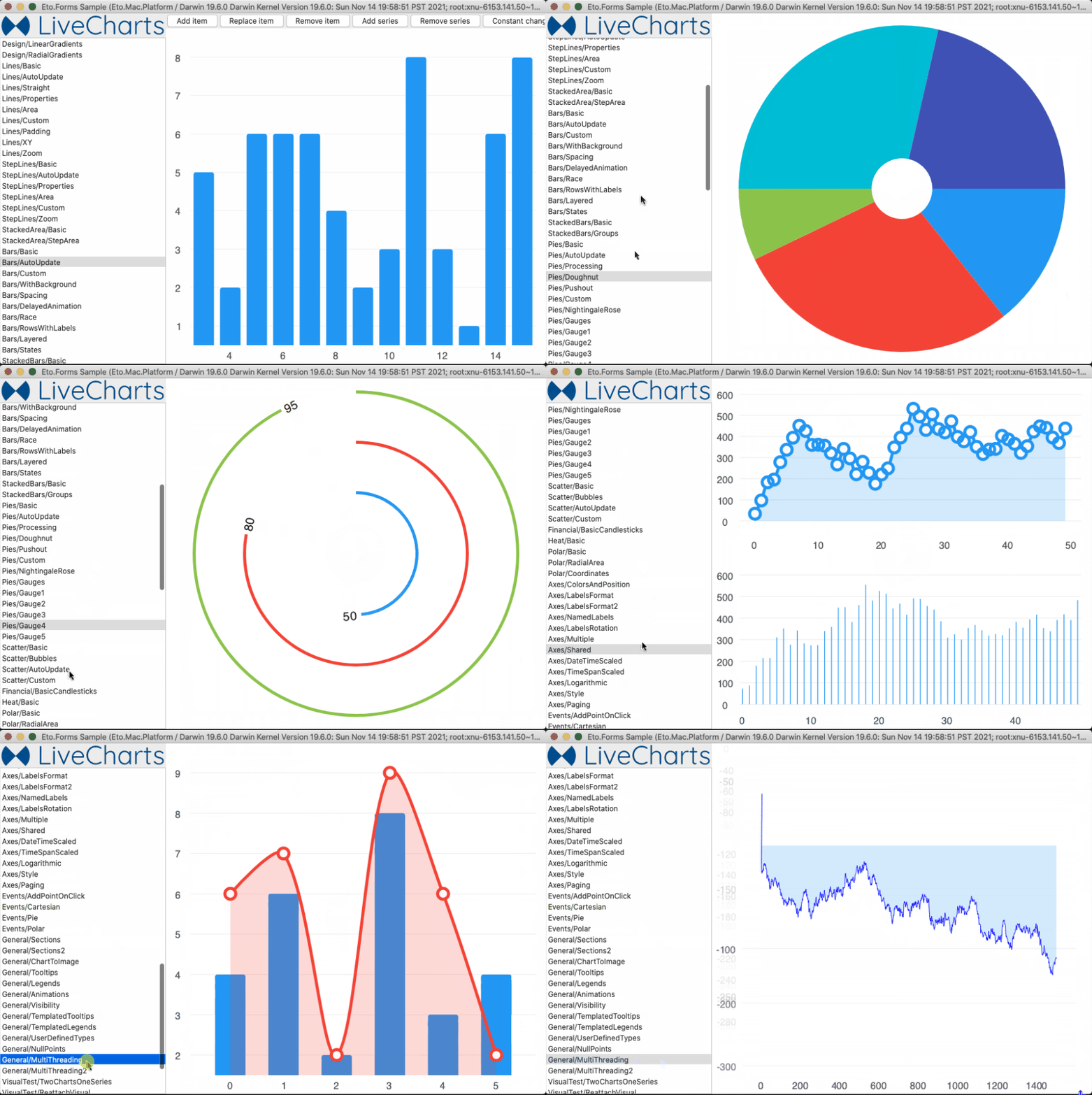 |
|
| Microcharts |  |
Create elegant Cross-Platform simple charts. | 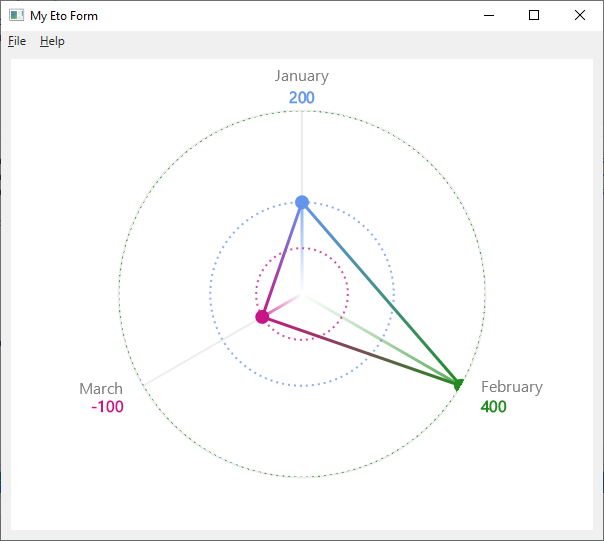 |
|
| OxyPlot |  |
 |
Cross-platform plotting library for .NET. |    |
| Mapsui |  |
A C# map component for apps. |    |
|
| LibVLCSharp |  |
Display a video in an Eto app. |   |
|
| Eto.OpenTK |  |
OpenGL viewport control for Eto.Forms using OpenTK. | ||
| Eto.Veldrid |  |
A control to embed the Veldrid graphics library in Eto.Forms. | ||
| Eto.CodeEditor |  |
A package that gives you a code editor control in Eto.Forms. | ||
| Eto.HtmlRenderer |  |
Provides an Eto control to display HTML content. | ||
| Eto.RainbowLoading |  |
 |
A control showing the Android loading indicator. | 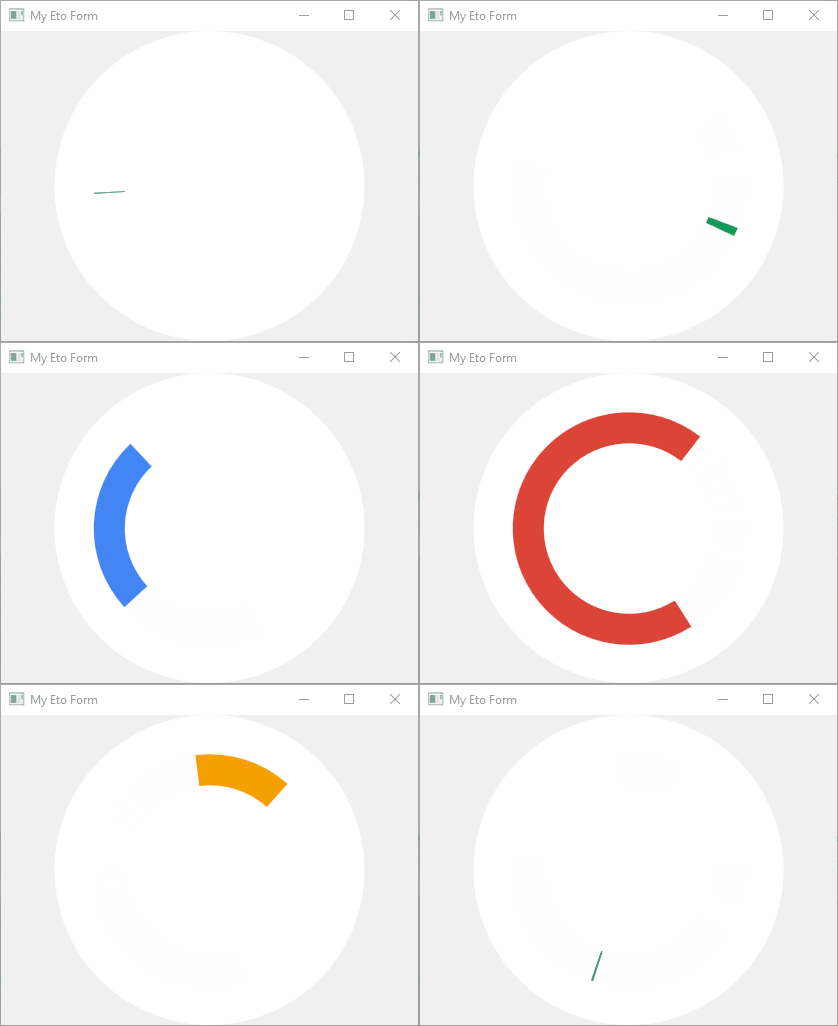 |
| Eto.GifImageView |  |
A control for displaying GIF's. | 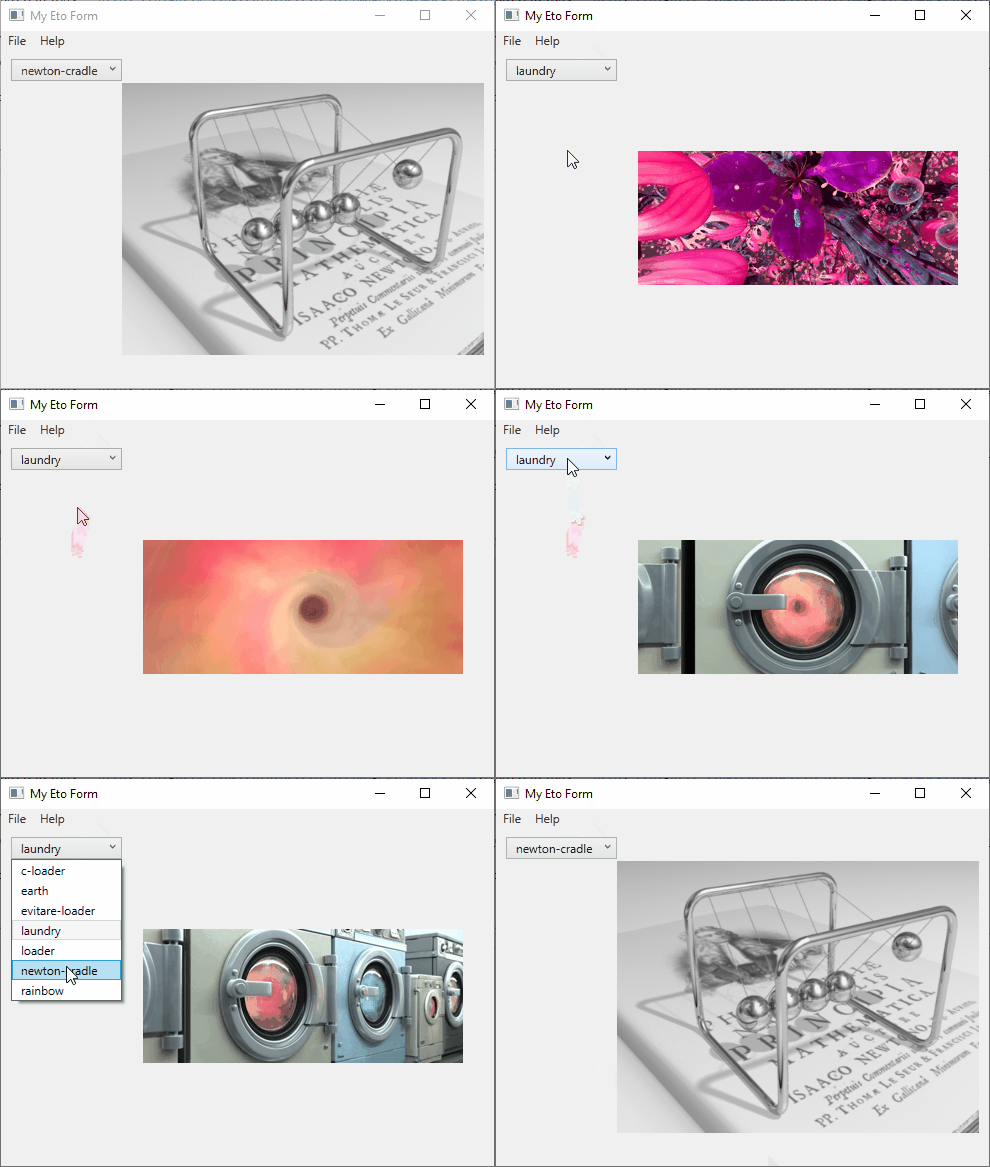 |
|
| Eto.SkiaDraw |  |
A control enabling use of SkiaSharp in Eto. | ||
| Eto.Containers |  |
Some extra Eto.Forms container controls. |
👉 Note : Some packages are in the pipeline but will not appear until next release is created.
Your project only needs to reference Eto.dll, and include the corresponding platform assembly that you wish to target. To run on a Mac platform, you need to bundle your app.
- Eto.dll - Eto.Forms (UI), Eto.Drawing (Graphics), and platform loading
- Eto.Mac64.dll - Lightweight Mac platform using .NET 6+ or mono
- Eto.macOS.dll - .NET 6+ platform for Mac (for use with the net6.0-macos target)
- Eto.WinForms.dll - Windows Forms platform using GDI+ for graphics
- Eto.Direct2D.dll - Windows Forms platform using Direct2D for graphics
- Eto.Wpf.dll - Windows Presentation Foundation platform
- Eto.Gtk.dll - Gtk+3 platform for Mac, Windows, and Linux.
- Eto.iOS.dll - Xamarin.iOS platform
- Eto.Android.dll - Xamarin.Android platform
- OS X: MonoMac or net6.0-macos
- Linux: GTK+ 3
- Windows: Windows Forms (using GDI or Direct2D) or WPF
These platforms are currently incomplete or in development. Any eager bodies willing to help feel free to do so!
- iOS using Xamarin.iOS
- Android using Xamarin.Android (Eto.Android)